The Certificate in Navisworks is a focused and practical program designed to equip students with the skills to efficiently navigate, review, and manage 3D models using Autodesk Navisworks — a core tool for BIM coordination and project visualization used in architecture, engineering, and construction workflows.
In just 20 hours, this fast-paced course takes you from understanding core concepts in BIM to advanced features like clash detection and project simulation — giving you hands-on experience that you can immediately apply to real-world projects
What You’ll Learn
By the end of this intensive course, you will be able to:
Understand the Navisworks
Understand the Navisworks interface and workflow fundamentals
Navigate 3D
Navigate 3D models with confidence and precision.
Use Key Tools
Use key tools for review, measurement, and visualization.
Perform Clash Detection
Perform clash detection and interference management.
Link External Project
Link external project files and organize model data.
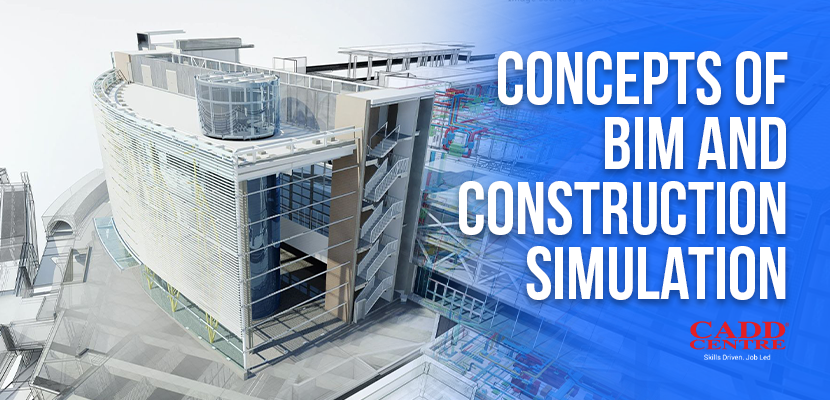
This module introduces the core concepts of Building Information Modeling (BIM) and its role in modern construction projects. Learners will understand how BIM supports coordination, visualization, and decision-making across project stages. The module also explains construction simulation and its benefits in planning and sequencing. Students gain a strong foundation to understand how Navisworks fits into BIM workflows.
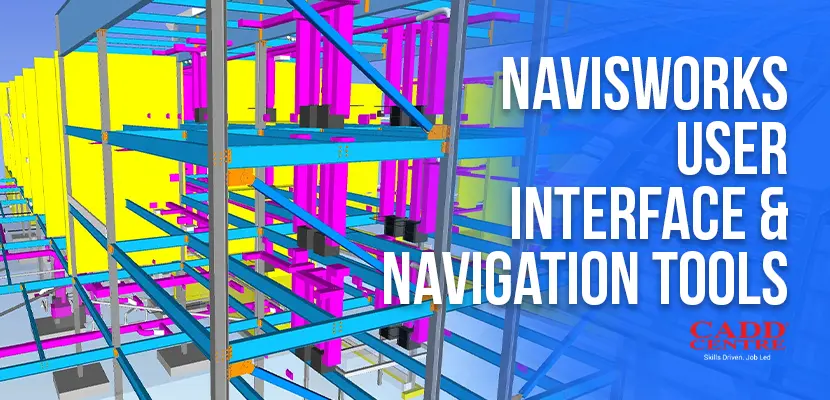
This module familiarizes learners with the Navisworks interface and workspace layout. Students will learn to navigate complex 3D models using walk, orbit, zoom, and selection tools. The module also covers view controls and navigation settings for efficient model review. Learners will be able to explore large, multi-discipline models confidently.
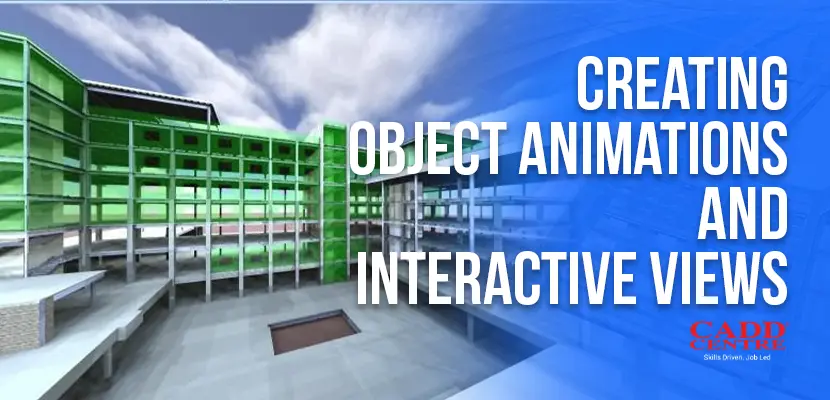
This module focuses on creating animations to visualize construction processes and design intent. Learners will create object animations to demonstrate sequences, movements, and workflows. The module also introduces interactive views for model exploration and presentation. Students will be able to communicate project information visually and effectively.
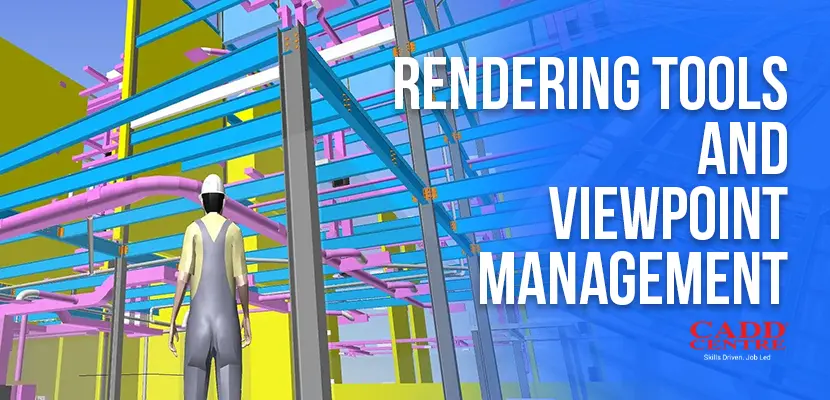
This module covers rendering tools used to enhance the visual quality of Navisworks models. Learners will manage viewpoints to save, organize, and recall specific model views. The module explains lighting, materials, and background settings for better presentations. Students will learn how to prepare clear and professional visual outputs.
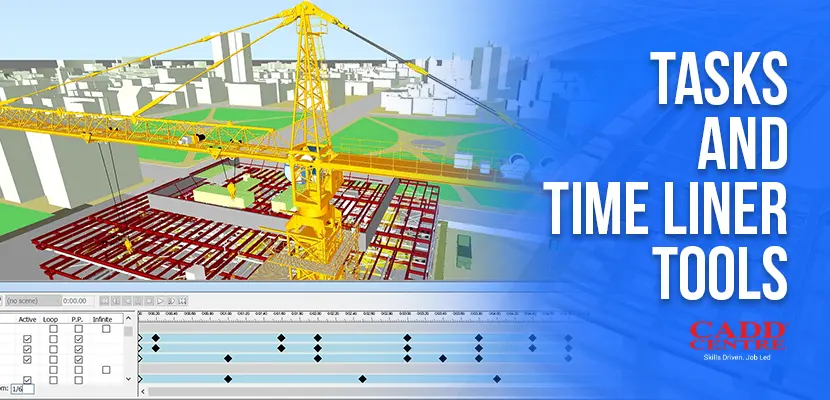
This module introduces the TimeLiner tool used for construction scheduling and simulation. Learners will link model elements with project tasks and timelines. The module demonstrates how to simulate construction sequences over time. Students will understand how to visualize progress and identify scheduling issues early.
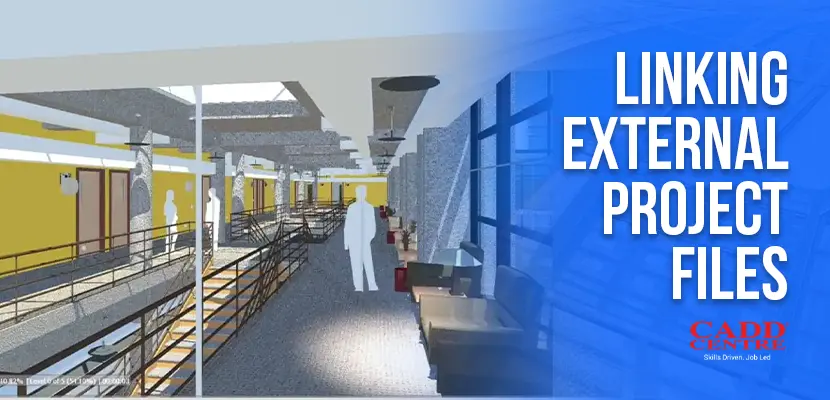
This module explains how to combine models from multiple disciplines into a single Navisworks file. Learners will link external project files from different CAD and BIM platforms. The module covers file coordination and updating linked models. Students will be able to manage federated models effectively.
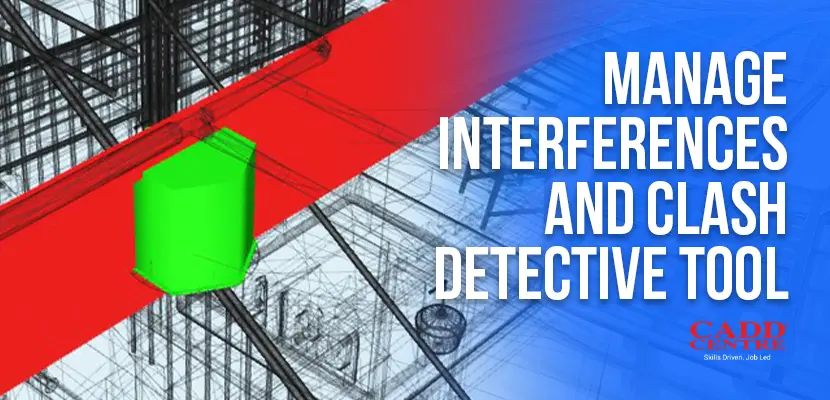
This module focuses on identifying and managing clashes between different building systems. Learners will use the Clash Detective tool to detect interferences accurately. The module covers clash rules, test sets, and reporting methods. Students will learn how to resolve coordination issues before construction begins.
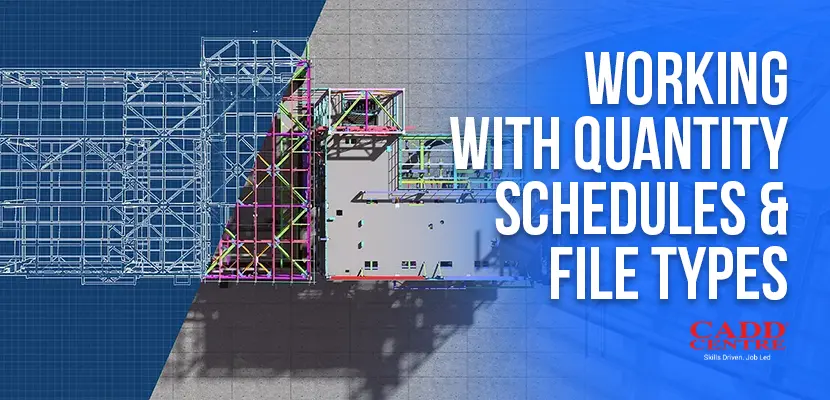
This module introduces quantity take-off tools and data extraction methods in Navisworks. Learners will work with quantity schedules to support estimation and planning. The module also explains supported file types and data compatibility. Students will gain skills to use Navisworks data for project analysis and reporting.
Who Is This For?
This certificate is ideal for:
Construction Professionals
Engineering and Construction professionals seeking to enhance BIM coordination skills.
Architects & Designers
Architects and designers who need efficient model review tools.
Students
Students of architectural, civil, or project management disciplines preparing for industry workflows.
Career Changers
Anyone looking for a hands-on introduction to Navisworks in a short duration.
Certification & Benefits
Upon successful completion, you will receive:
✔ International CADD Centre Certificate – a credential recognised by industry professionals and employers. ✔ Practical experience with Civil 3D that you can showcase in portfolios and projects
This certificate demonstrates your ability to efficiently use Autodesk Civil 3D for design, modeling, drafting, and documentation in civil engineering contexts
Why Choose This Program
This certificate is ideal for:
01
Learning
designed for working professionals and students alike
Industry Relevant
Industry-relevant curriculum focused on real-world Navisworks applications.
02
Experienced Instructors
Experienced instructors with hands-on guidance
03
Practical Outcomes
Practical outcomes you can use immediately in your work or studies.