AutoCAD is the world’s most widely used computer-aided drafting software for creating precise 2D drawings and accurate 3D models across engineering, architecture, manufacturing, and construction industries. At CADD Centre, the Certificate in AutoCAD course equips you with essential drafting and modelling skills that employers and professionals rely on for real project work.
This fast-track, practical training covers both foundational techniques and advanced workflows so you can confidently produce detailed technical drawings, layouts, plans, and presentations used in engineering firms, architectural offices, and design studios.
What You’ll Learn
By the end of this intensive course, you will be able to:
(Skills tailored for civil, mechanical, architectural & multidisciplinary CAD tasks.)
Training Format
Mode
Practical Classroom Training
Duration
40 Hours
Level
All Levels (Beginner to Intermediate)
Hands-On Practice
Real drafting exercises
This fast-paced and practical format ensures you learn both the core tools and professional workflows you’ll use on the job.
Course Fee & Enrollment
LKR 38,000 (plus registration fee)
All fees are non-refundable
Flexible installment plans available
Registration Fee LKR 2,000 International CADD Centre Certificate awarded on completion.
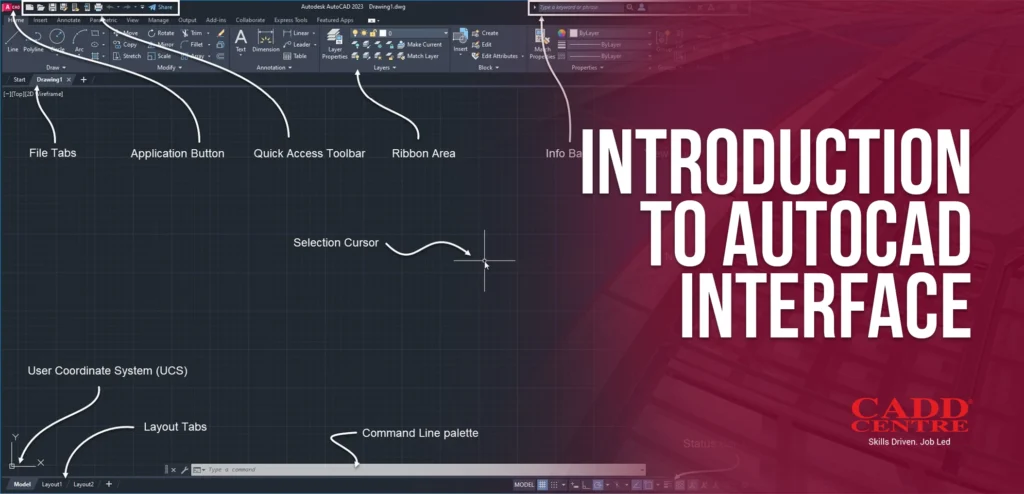
This module introduces the AutoCAD workspace, ribbon panels, command line, and navigation tools. Learners will understand how to customize the interface and configure drafting settings. The module builds a strong foundation for efficient and professional CAD operation.
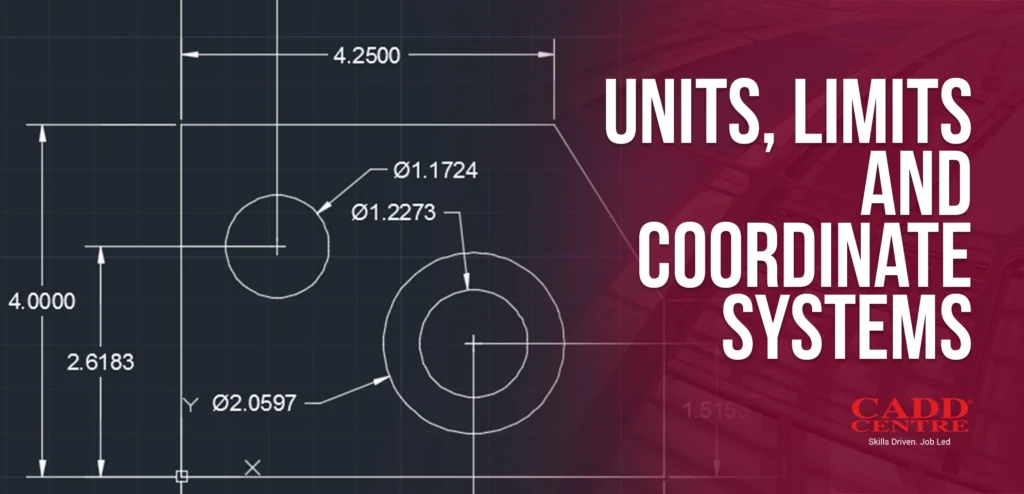
This module explains drawing units, workspace limits, and coordinate systems used in technical drafting. Students will learn how to define absolute, relative, and polar coordinates accurately. The module ensures precision and scale consistency in engineering and architectural drawings.
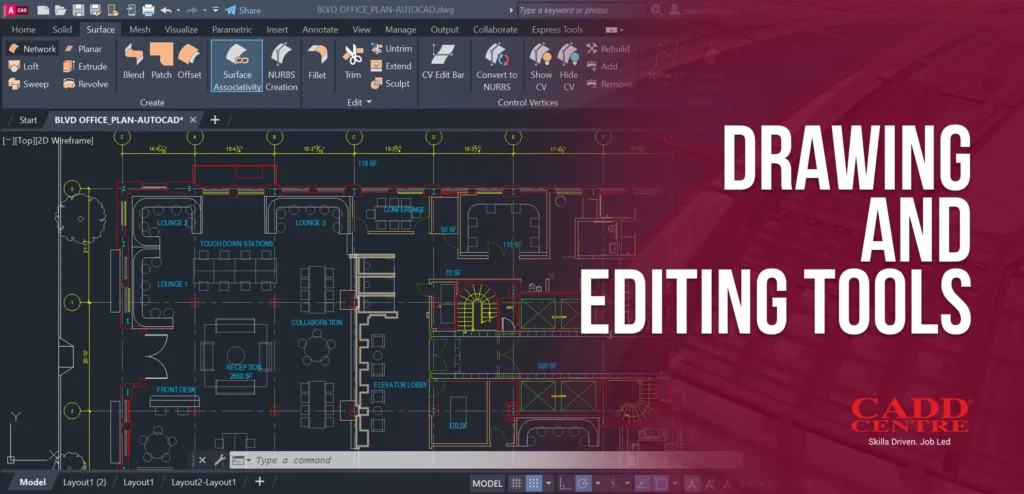
This module covers essential drawing commands such as line, circle, arc, and polyline along with editing tools like trim, extend, copy, and rotate. Learners will develop the ability to create and refine geometry efficiently. The module strengthens accuracy and drafting productivity.
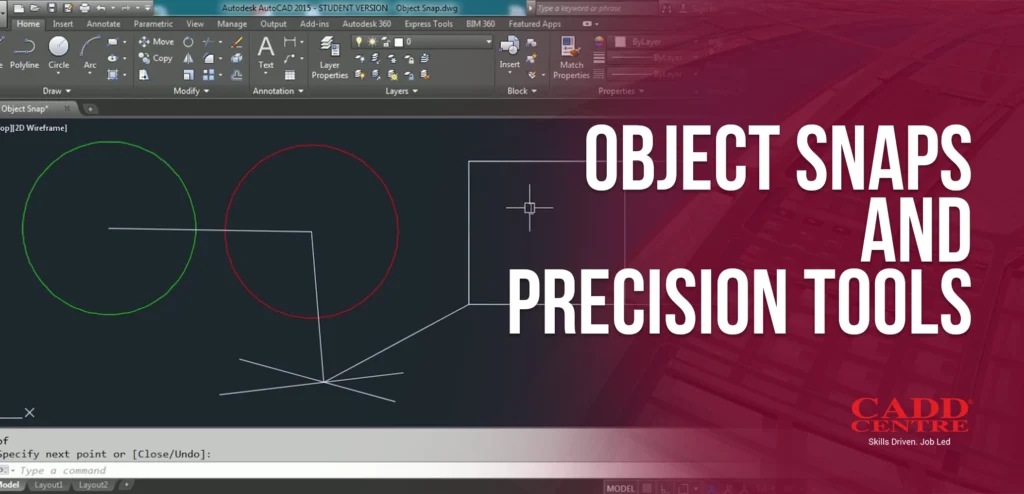
This module introduces object snap settings and precision drafting tools for accurate geometry creation. Students will learn endpoint, midpoint, center, intersection, and tracking techniques. The module enhances drawing accuracy and reduces manual errors.
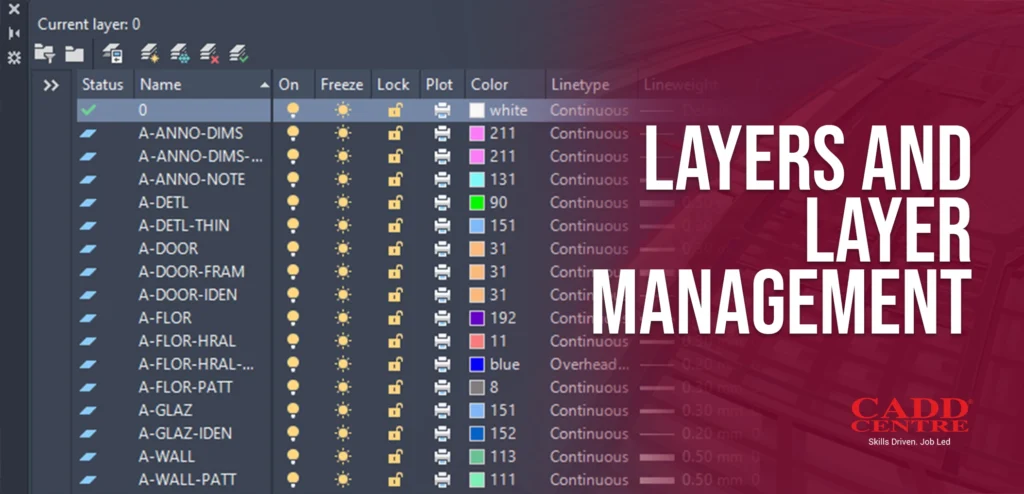
This module focuses on organizing drawings using layers and layer properties. Learners will understand layer creation, control, and visibility management. The module promotes structured drafting practices and improved project clarity.
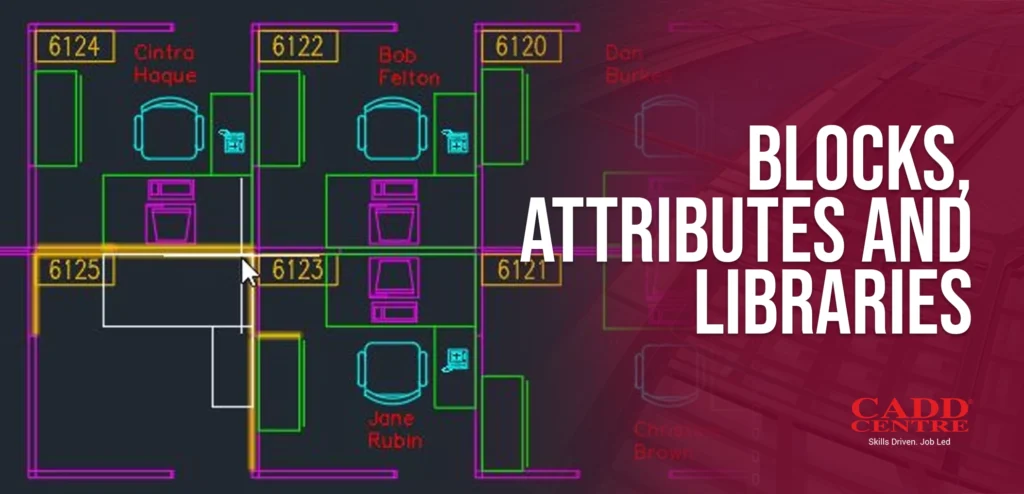
This module explains how to create reusable blocks and define attributes for intelligent drafting. Students will learn to manage block libraries for standardized project documentation. The module increases efficiency and consistency across multiple drawings.
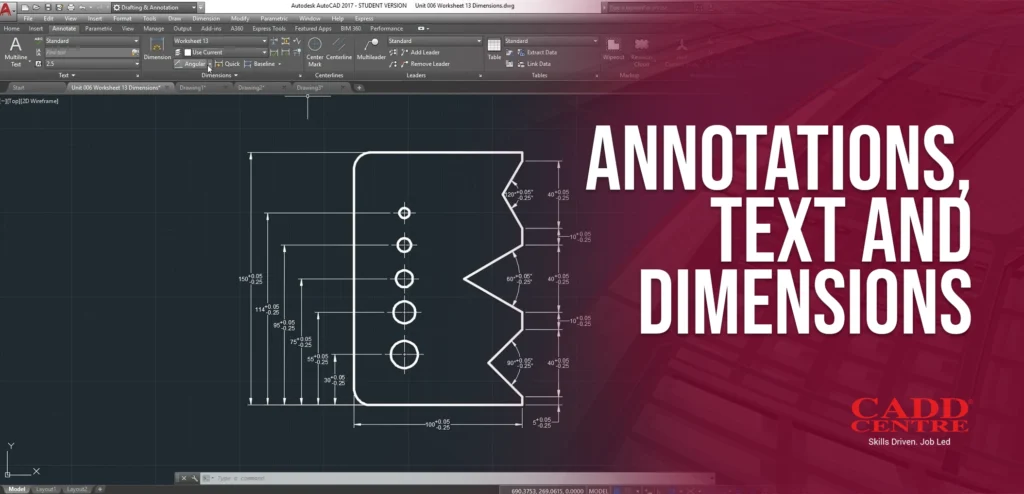
This module covers professional annotation techniques including text formatting, dimension styles, and multileaders. Learners will understand how to maintain drafting standards and drawing clarity. The module ensures technically accurate and presentation-ready documentation.
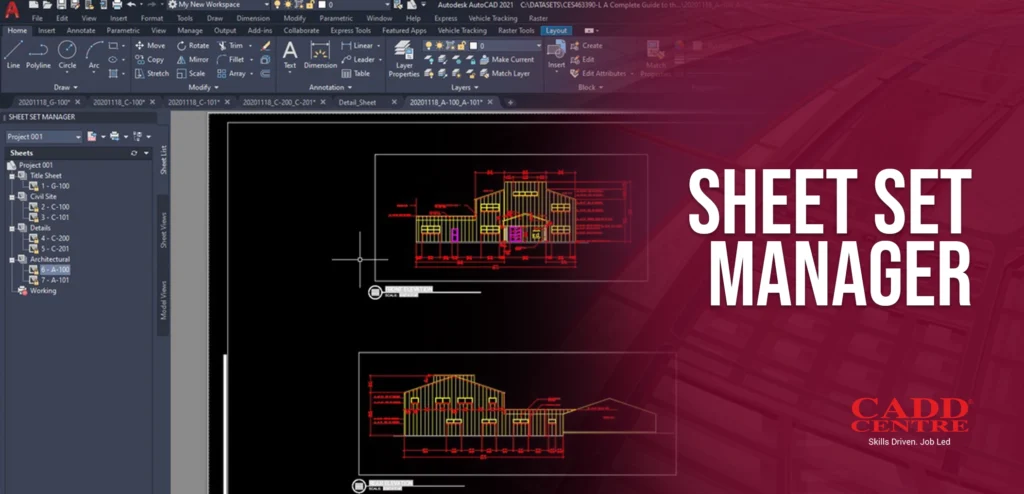
This module explains the Sheet Set Manager for organizing multiple drawings within a project. Students will learn automated sheet numbering and centralized management tools. The module enhances project coordination and large-scale documentation control.
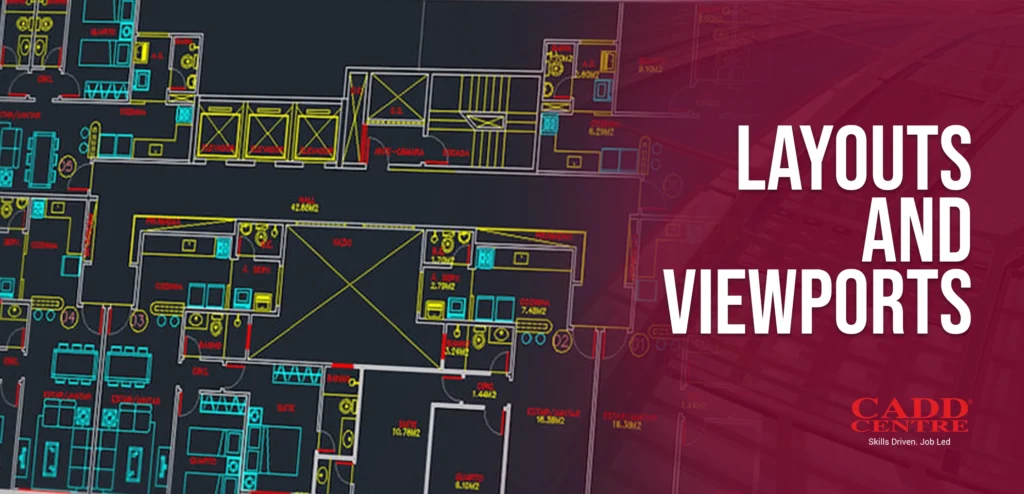
This module focuses on paper space setup, layout creation, and viewport management. Learners will understand scale control and drawing presentation techniques. The module prepares drawings for professional submission and client presentations.
This module explains the Sheet Set Manager for organizing multiple drawings within a project. Students will learn automated sheet numbering and centralized management tools. The module enhances project coordination and large-scale documentation control.
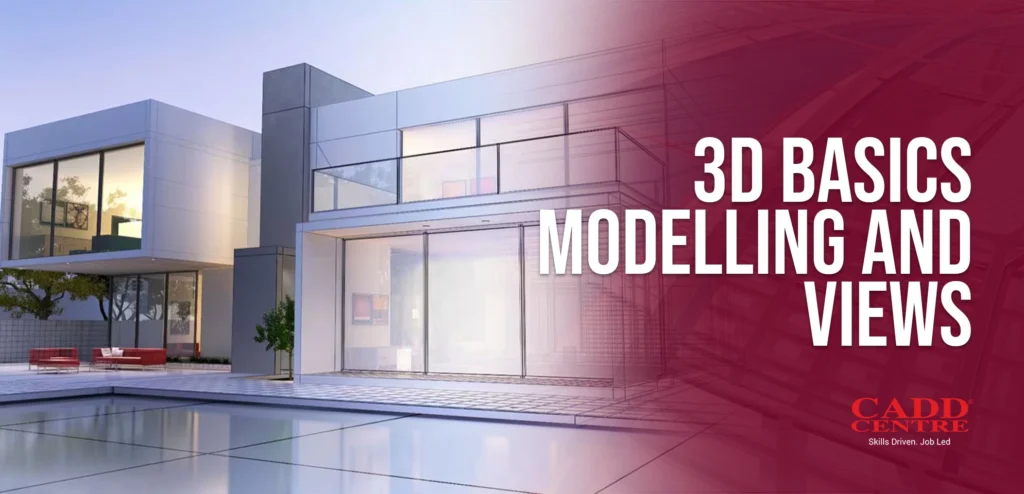
This module introduces basic 3D modeling tools including extrusion, revolve, and simple solid creation. Learners will understand 3D navigation and view control techniques. The module expands drafting capabilities beyond 2D into three-dimensional visualization.
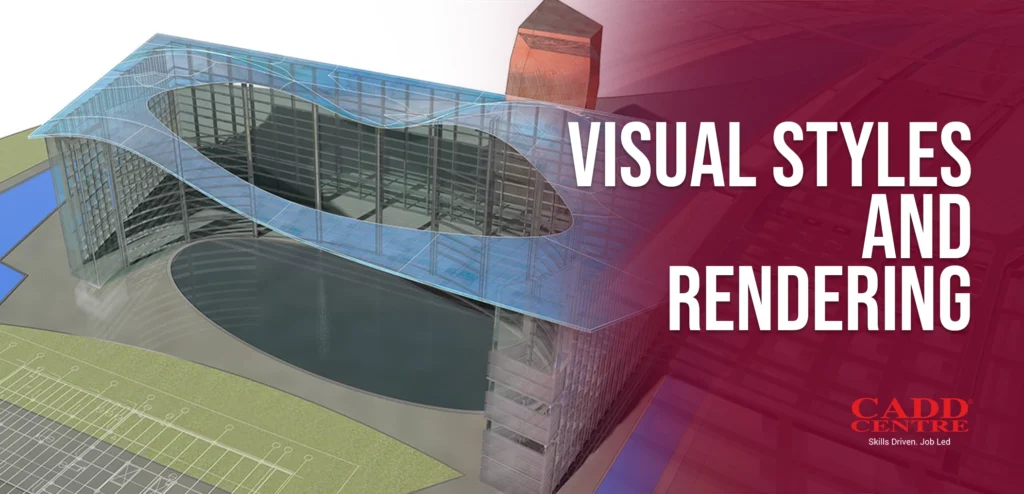
This module covers visual style settings, shading options, and basic rendering techniques. Students will learn to apply materials and lighting to enhance presentation quality. The module enables professional visual outputs for design reviews.
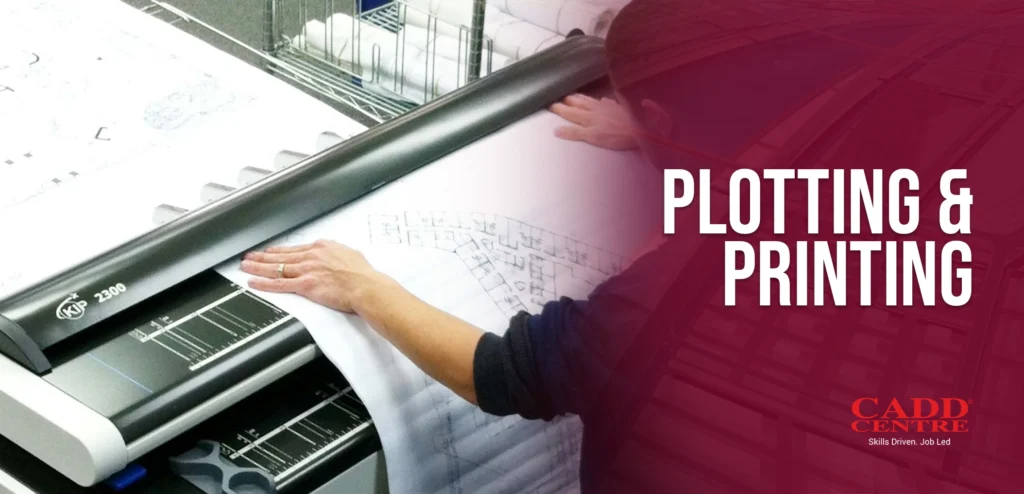
This module focuses on plot setup, scale control, and plot style configuration for accurate printing. Learners will understand output settings for both digital and physical formats. The module ensures high-quality deliverables ready for submission.
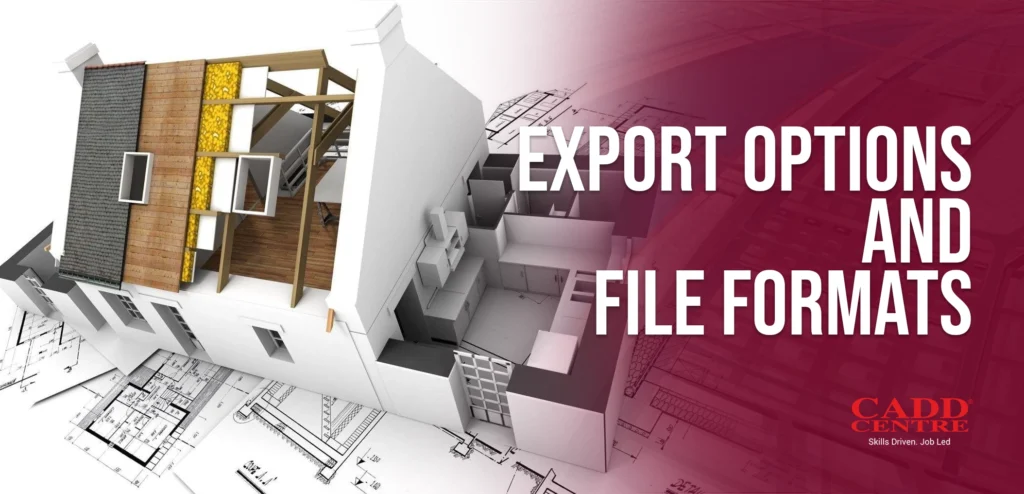
This module introduces various export formats including PDF, DWF, and CAD exchange files. Students will learn to manage file compatibility and data sharing. The module supports collaboration across multidisciplinary project environments.
Who Is This For?
This certificate is ideal for:
Construction Professionals
Engineering and Construction professionals seeking to enhance BIM coordination skills.
Architects & Designers
Architects and designers who need efficient model review tools.
Students
Students of architectural, civil, or project management disciplines preparing for industry workflows.
Career Changers
Anyone looking for a hands-on introduction to Navisworks in a short duration.
Certification & Benefits
Upon successful completion, you will receive:
✔ International CADD Centre Certificate – a credential recognised by industry professionals and employers. ✔ Practical experience with Civil 3D that you can showcase in portfolios and projects
This certificate demonstrates your ability to efficiently use Autodesk Civil 3D for design, modeling, drafting, and documentation in civil engineering contexts
Why Choose This Program
This certificate is ideal for:
01
Learning
designed for working professionals and students alike
Industry Relevant
Industry-relevant curriculum focused on real-world Navisworks applications.
02
Experienced Instructors
Experienced instructors with hands-on guidance
03
Practical Outcomes
Practical outcomes you can use immediately in your work or studies.