Autodesk 3ds Max is a powerful 3D design, modeling, animation, and rendering software used across industries like architectural visualization, engineering graphics, film, gaming, and creative media. Its flexible architecture and deep toolset make it ideal for turning basic CAD models into high-quality, photorealistic visuals with advanced lighting, materials, and animation workflows.
At CADD Centre, this Certificate in 3ds Max course gives you hands-on experience with essential tools and workflows, from basic interface navigation to complex modeling and animation techniques. You’ll learn practical skills that professionals depend on for real projects in design studios, engineering firms, and creative agencies.
What You’ll Learn
By the end of this intensive course, you will be able to:
Training Format
Mode
Practical Classroom Training
Duration
48 Hours
Level
All Levels (Beginner to Intermediate)
Hands-On Practice
Project-based exercises included
This hands-on format helps you quickly learn tools and apply techniques to real 3D visualization workflows.
Course Fee & Enrollment
LKR 38,000
All fees are non-refundable
Flexible installment plans available
Registration Fee LKR 2,000 TVEC Certificate (option requires additional TVEC cost) Global Certificate + Book cost available for optional upgrade.
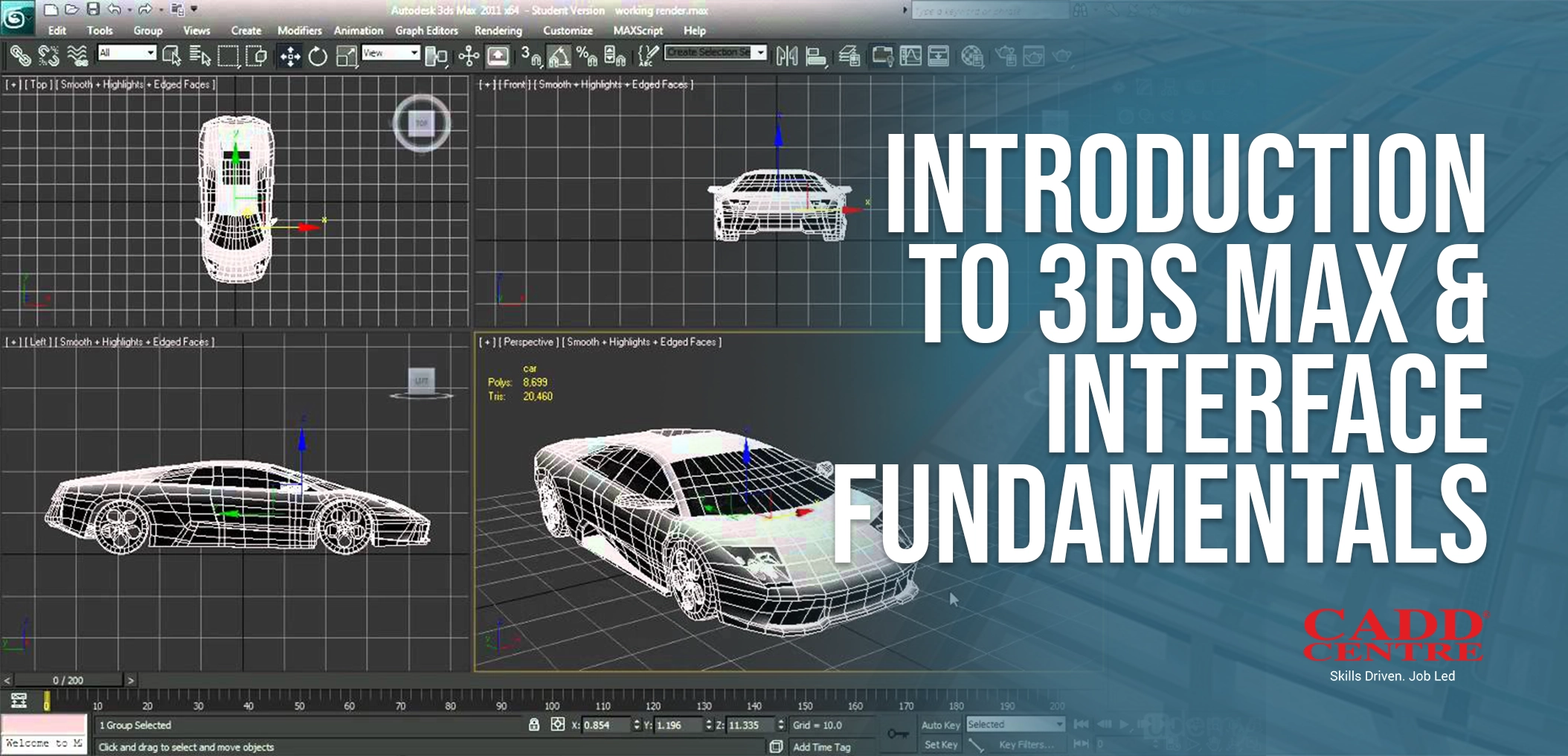
This module introduces learners to the 3ds Max workspace, interface layout, and essential tools used in professional 3D design. Students will understand viewports, navigation controls, command panels, and basic configuration settings. The module builds confidence in navigating the software efficiently, setting a strong foundation for modeling, animation, and rendering workflows.
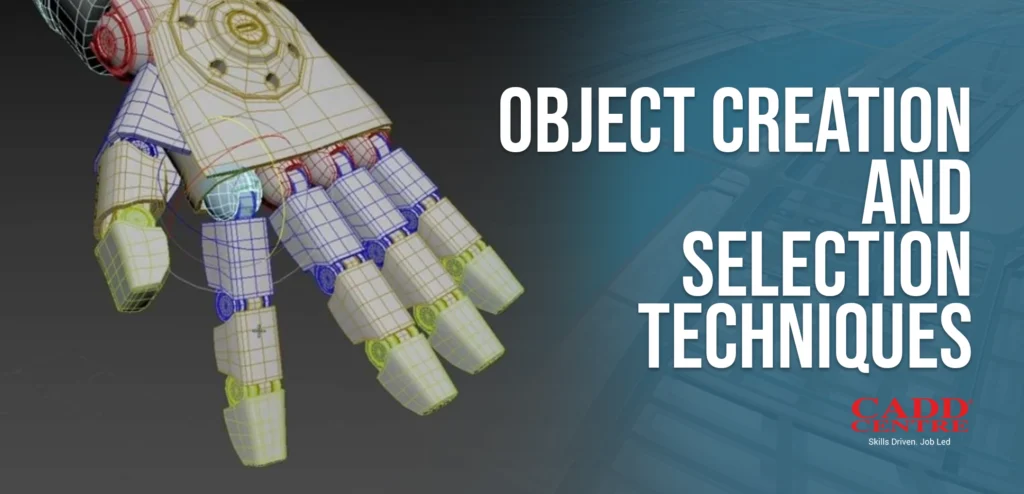
This module focuses on creating standard and extended primitive objects while mastering accurate selection and transformation techniques. Learners will explore move, rotate, scale, pivot adjustments, and grouping tools to manage objects effectively. By the end of the module, students will be able to construct and organize scene elements with precision and control.
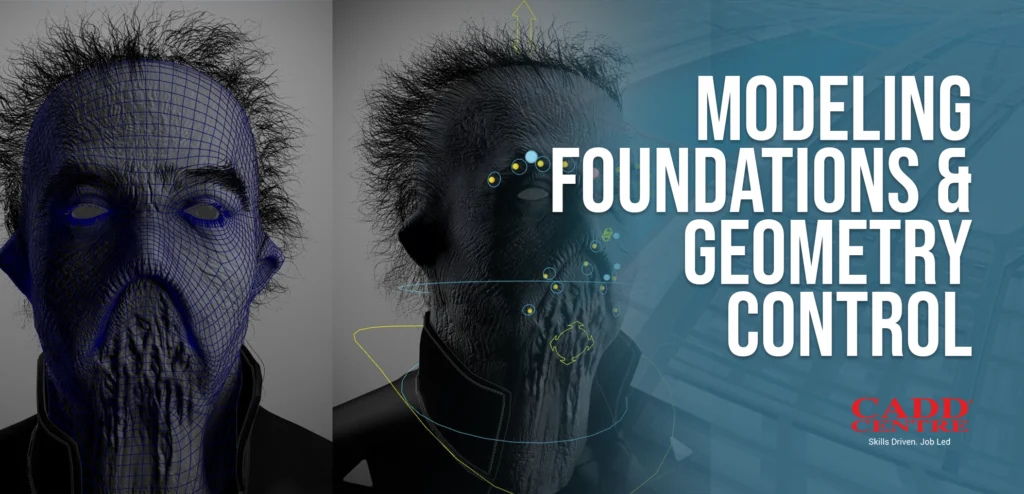
This module covers core modeling principles including editable poly tools, vertex/edge/face manipulation, and geometry refinement techniques. Students will learn how to modify and optimize 3D forms using modifiers and sub-object editing. The module establishes strong foundational skills required to build clean, structured, and production-ready models.
This module explores advanced modeling workflows such as compound objects, Boolean operations, subdivision modeling, and complex surface creation. Learners will develop techniques to create detailed architectural and product models with accuracy. The module enhances creative flexibility while maintaining technical precision in professional 3D environments.
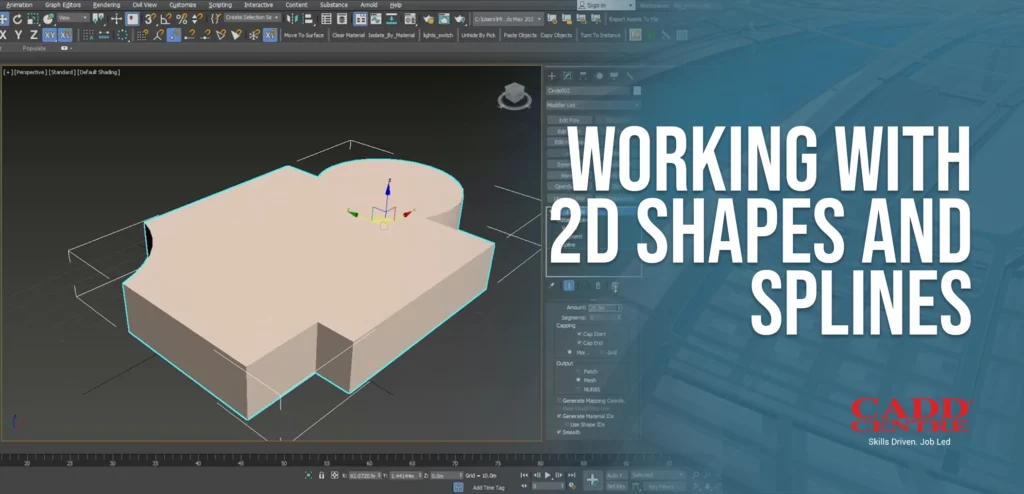
This module introduces spline modeling and 2D shape creation for architectural and design applications. Students will learn to create, edit, and convert splines into 3D objects using extrusion, lofting, and lathe techniques. The module enables efficient generation of structured forms from technical drawings and design references.
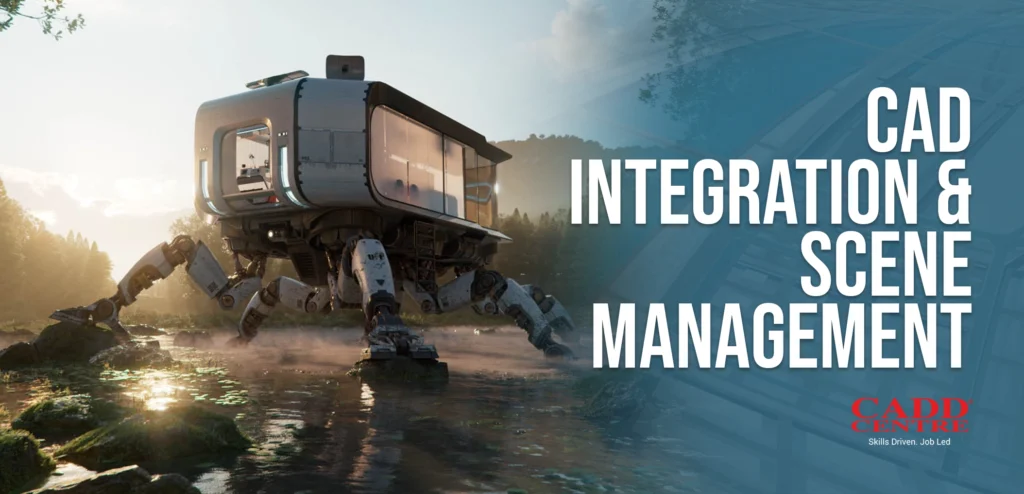
This module explains how to import and manage CAD files within 3ds Max while maintaining scale, hierarchy, and file organization. Learners will understand layer management, grouping, referencing, and scene optimization techniques. The module ensures smooth coordination between CAD drawings and 3D visualization workflows.
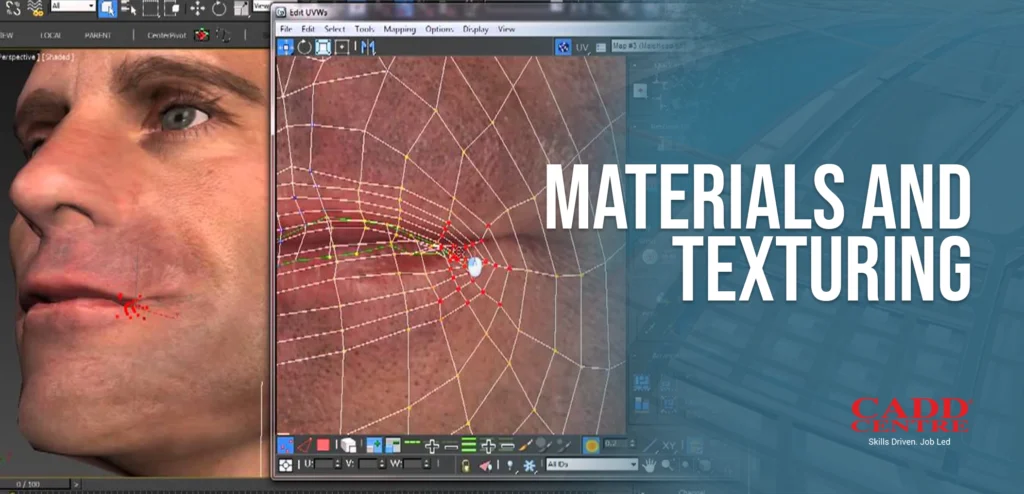
This module covers material creation, texture mapping, and realistic surface detailing using the Material Editor. Students will explore UV mapping, bitmap textures, shaders, and reflection properties to enhance visual quality. The module helps learners achieve professional-level realism in architectural and product visualizations.
This module introduces lighting systems, shadows, and environmental controls to create realistic scenes. Learners will understand standard lights, photometric lights, HDRI environments, and exposure settings. The module teaches how proper lighting enhances depth, mood, and realism in rendered outputs.
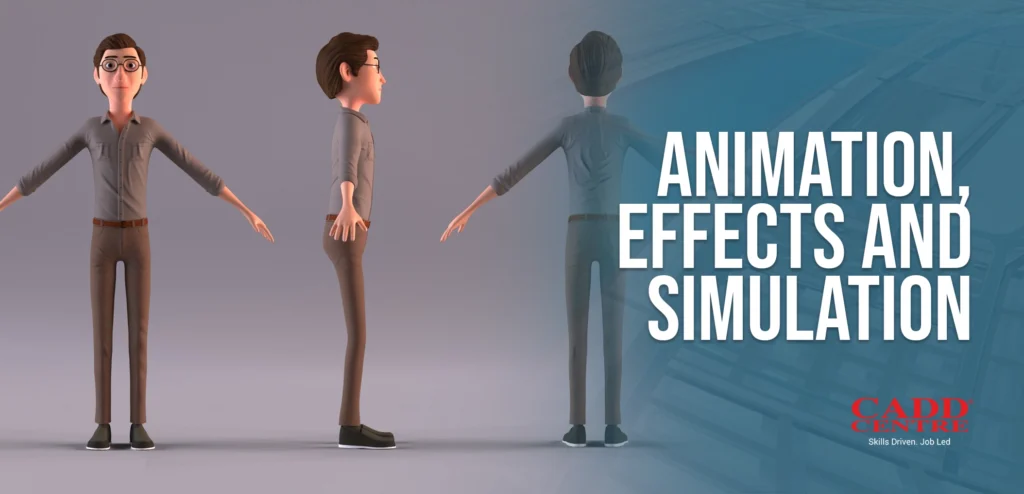
This module explores animation fundamentals including keyframing, timeline control, and object movement techniques. Students will learn basic simulation tools and camera animations to create dynamic presentations. The module enables learners to produce engaging walkthroughs and animated visual content for client presentations.
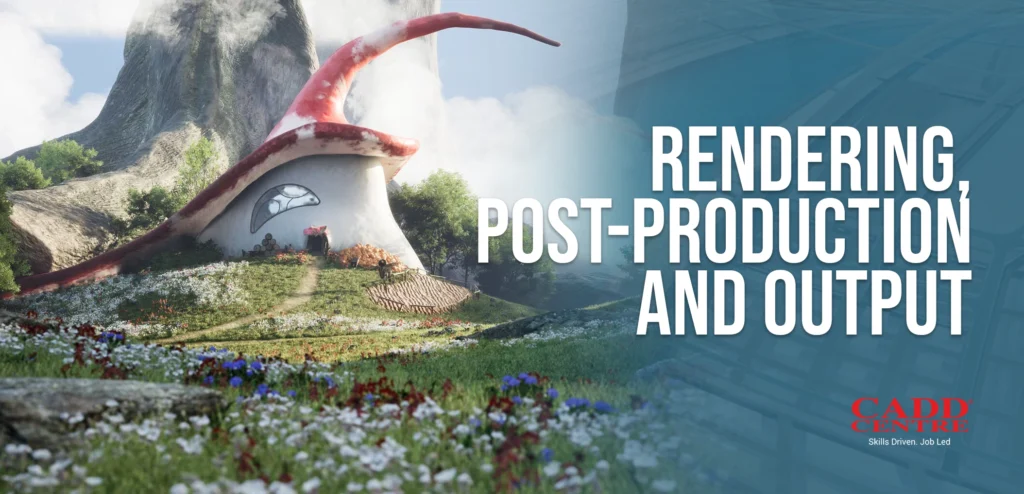
This module focuses on rendering engines, output settings, and final image production techniques. Learners will understand render setup configuration, resolution control, and post-processing adjustments. The module ensures students can generate high-quality, presentation-ready visuals suitable for professional portfolios and client delivery.
Who Is This For?
This certificate is ideal for:
Srudents
Civil engineering students and graduates preparing for industry workflows.
Professionals
Professionals in surveying, infrastructure design, and mapping roles.
Designers and Technicians
Designers and technicians who need practical Civil 3D skills in a short time
Career Changers
Anyone seeking a fast-paced, hands-on certification in a leading civil design tool
Certification & Benefits
Upon successful completion, you will receive:
✔ International CADD Centre Certificate – a credential recognised by industry professionals and employers.
✔ Practical experience with Civil 3D that you can showcase in portfolios and projects
This certificate demonstrates your ability to efficiently use Autodesk Civil 3D for design, modeling, drafting, and documentation in civil engineering contexts
Why Choose This Program
This certificate is ideal for:
01
Accelerated learning
Anyone seeking a hands-on certification in a leading civil design tool
Industry-aligned curriculum
Designed for practical application in professional engineering contexts.
02
Instructor-led sessions
Gain insights from experienced trainers with real project experience.
03
Certification advantage
A recognised credential to support your career growth and academic progress.